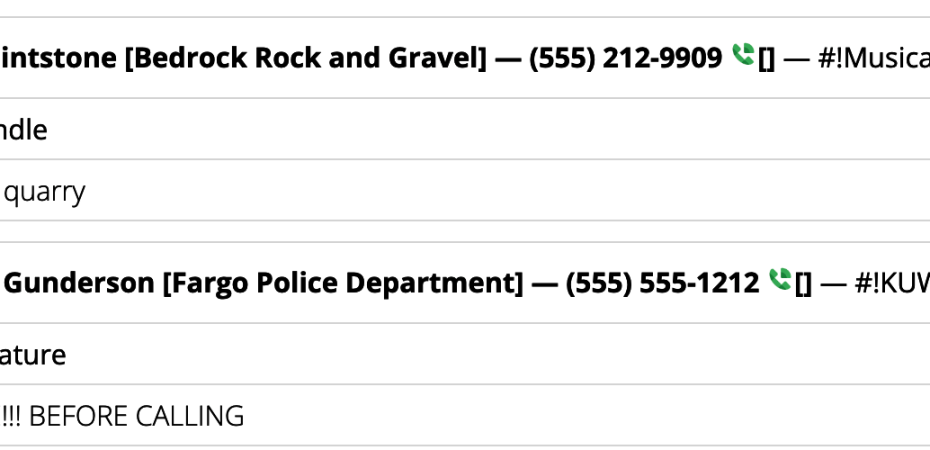
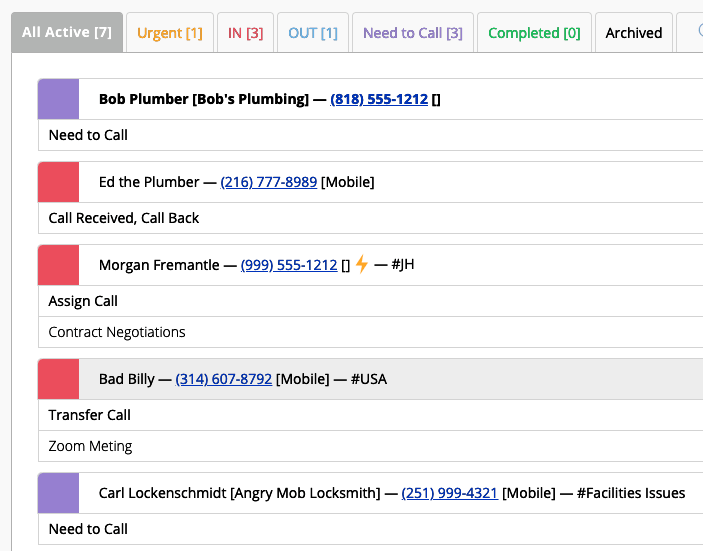
CallPlease is always working on more ways to make it easy to integrate with your other productivity apps. This article provides a list of options you have to instantly make your CallPlease web app have an integrated Click-to-Dial capability with your phone system.
Google Voice
Google Voice provides a Chrome extension that will turn any instance of a phone number on your browser into a click-to-dial link using your Google Voice phone number.
DialPad
If you have DialPad phone services, you can add their Chrome extension to your browser to make all phone numbers, even those in contact details, clickable to dial using DialPad.
RingCentral
The RingCentral Chrome Extension makes many parts of their phone and video service available directly inside Google applications.
The CallPlease Mobile App now includes VoIP dialing!
As of version 3.1.2, the CallPlease Mobile App includes a setting under Update Profile for selecting either dialing from the native cell phone app (System Default) or one of a growing list of VoIP providers. Our first VoIP partner is RingCentral.
Let us know what systems you would like us to add!
 CallPlease Learning Center